
How to Search Cases by Name
Stearns County District Court cases start at one statewide tool. That is Minnesota Court Records Online Case Search, or MCRO, for Stearns County District Court cases. Pick the Name tab. Tell it whether you are looking for a person or a business. The form gives you separate boxes for last, first, and middle name. Start with the exact spelling on your case papers. If the results come back empty or huge, change just one field at a time. That keeps a Stearns County docket search manageable.
- Open MCRO Case Search and accept the current terms before selecting the Name search tab.
- Choose Person or Business, enter the available name fields, and start with an exact-name search.
- For a person, retry with and without a middle name or initial. A trailing wildcard is available only after at least two characters. Sounds Like can broaden a search, but it cannot be combined with a wildcard.
- Add a date of birth or filing-date filter only when it is known. Choose a case category or status when it helps distinguish the result.
- Select specific county court locations, open the county group marked T, choose Stearns, and use Find. Open Case Details to read the Register of Actions.
The county picker on the form comes with its own search box, a Clear control, alphabet groups, a selected-count display, and Find and Clear buttons. Look for Stearns under T. A statewide query helps when you are not sure which county heard the case. Just know it casts a wider net than a focused Stearns County case lookup.
| Field label | Type | Required | Options and format notes |
|---|---|---|---|
| Name Type | Selection | Yes for name path | Person or Business. |
| Last, First, Middle Name | Text | Search-dependent | Use exact spelling first; middle name can be added or omitted. |
| Exact Name, Wildcard, Sounds Like | Search option | No | Wildcard follows two or more characters; Sounds Like cannot run with it. |
| DOB or Date Filed | Date or date range | No | Use only when known to narrow a result set. |
| Case Category and Status | Selection | No | Civil, Criminal, Family, Probate or Mental Health, plus case status. |
| Court Locations | Statewide or county selector | No | Choose specific county and select Stearns under T. |
Stearns County Case Search Starting Points
MCRO actually offers four separate search products, and each one answers a different question. Case Search finds cases and their public details. Document Search pulls remotely available public documents once you have a case number. Hearing Search tracks scheduled hearings. Filter by name, case number, judicial officer, attorney, date, category, or county. Judgment Search is the narrow one. It covers docketed money judgments by debtor, docketed date, status, and county.
These tools do not swap for each other. A citation number often works best for a traffic ticket. An attorney search can help. Use it when a party-name result seems off. Give a citation up to seven days to show up after filing. A pending criminal docket may not appear in a defendant-name search before conviction. So you may need the case number, the citation, the attorney route, or help from local Court Administration instead.
The Minnesota public-data framework sets the general standard. But Judicial Branch rules and procedures govern what court case records actually open up.
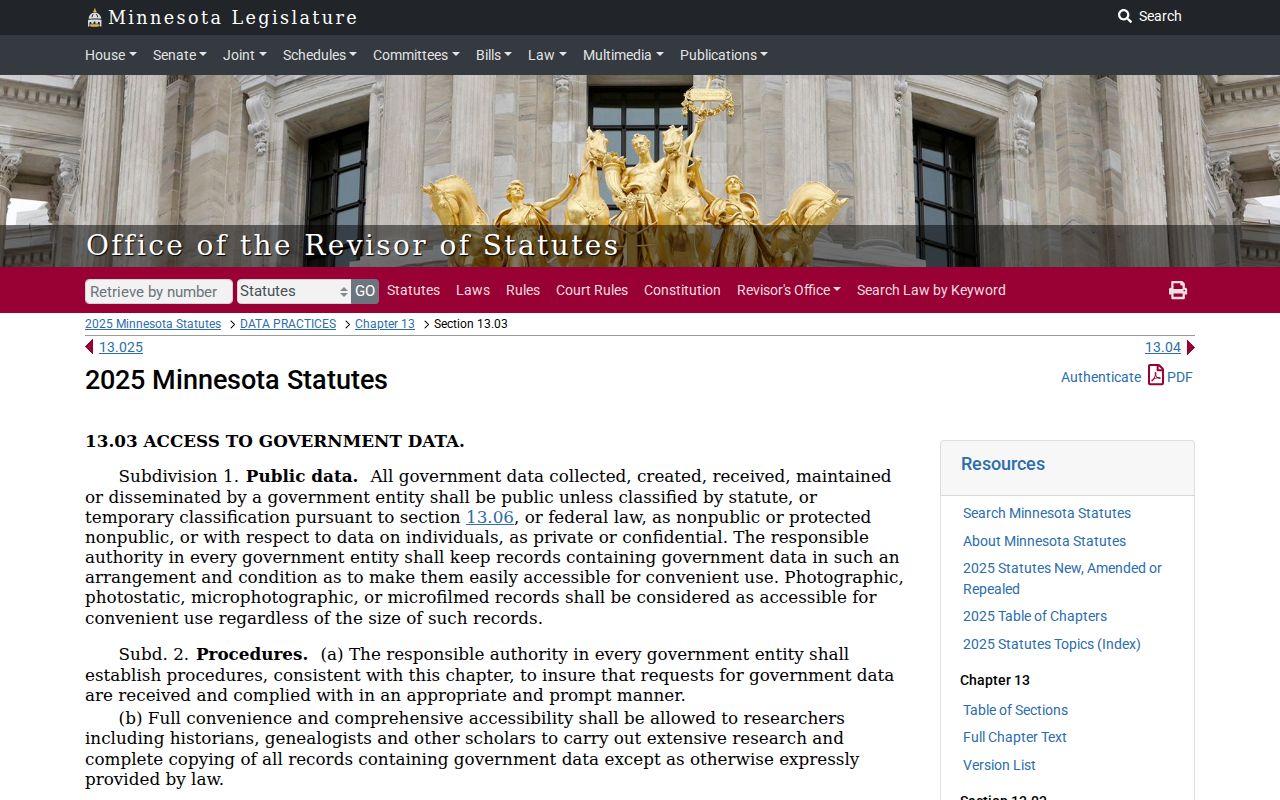
That split matters. A public-data principle does not mean every court field or document becomes remotely visible in MCRO.
How to Search by Case Number
Got a case number? That is your best tool. A complete identifier beats a name search every time in a Stearns County case lookup. It pulls up one docket, not a list of matches. Open MCRO and pick the Case Number tab. Type the number exactly as it appears on your citation, notice, or court paper. A traffic ticket fits this route. So does a pending criminal matter. It works even when a defendant-name search comes back thin. If the citation shows a citation number instead, enter it through its own tab.
Stearns criminal dockets follow the pattern 73-CR-26-####, while civil cases look like 73-CV-26-####. The leading 73 is the county code. Next comes CR or CV to mark the category. Then 26 gives the two-digit year. The trailing digits set that case apart from every other filing. Copy the whole number from the paper in hand rather than guessing at the sequence. A search by case number opens the Case Details page. Where offered, it feeds the separate Document Search too. Access rules still apply, so a remote docket may hide certain fields or documents.
Stearns County Case Number Patterns
One court, many case families. Stearns County District Court handles them all. That is why MCRO displays a range of category codes. CR means criminal and CV means civil in these samples. You may also see FA for family and CO for conciliation or small claims. PR covers probate. A category is just a system grouping. It is never a finding or an outcome. Conciliation Court is a division of the District Court. It is not some separate municipal court running its own case-search portal.
Enter the full number, then read the Register of Actions in date order. The filing date tells you when the court opened or accepted the case, not when the underlying conduct happened. Entries further down may show a hearing, a motion, a judgment, or a satisfaction. They may also show an appeal or the final disposition. That timeline tells you far more than a category label alone ever could.
Note: A case code points you to the right record family. But only the full Register of Actions gives you the sequence and the current public status.
What a Case Search Shows
A Stearns County case result leads you to Case Details and the Register of Actions. The court has a definition for that register. It is the list of a case title, origination, activities, proceedings, and filings. What appears on screen depends on the case category. Access rules govern it too. Read the event dates and their descriptions in order. Draw conclusions from that full chronology. Do not rely on one status word or a single calendar setting.
| Case number | The state identifier used to retrieve the file, such as the observed 73 category-year-sequence pattern. |
|---|---|
| Filing date and location | When the case opened and its court location or division, which may differ from the date of underlying events. |
| Case category and status | A system classification and current public status. Neither one alone establishes an outcome. |
| Parties and attorneys | Displayed names, roles, and attorney information where the public-access rules allow them. |
| Register of Actions | The chronological event list, including filings, hearings, motion activity, dispositions, and other case events. |
| Documents and hearings | Public document links or hearing details where remotely available, subject to category, date, and confidentiality limits. |
| Judgment information | Amounts, balances, satisfactions, or related financial fields when relevant and publicly displayed. |
A case type is never an outcome. A hearing on the docket does not prove the hearing took place, and a docketed judgment search cannot replace the full chronology of the case.
Stearns County Document and Hearing Searches
Got a Stearns County case number? Good. That is all MCRO Document Search needs, and remotely available public documents there cost nothing. A PDF may fail to appear. The reason could be a restricted case type. It could also be a document outside the remote date or category rules, a file that was never digitized, or a record the courthouse releases only through another channel.
Hearing Search lists events on the calendar, while Judgment Search covers docketed money judgments. The daily court calendar is a separate source for same-day scheduling. Once you know the case, check dates another way. The Stearns County court dates route walks through detailed date checking.
Remote gaps have answers. Try the MNPAC terminal at the courthouse, or call Stearns County Court Administration at 320-656-3620. Public originals can be inspected or copied where they are kept, subject to access rules. The official copy-request process explains the routes for proper copy requests. It covers in-person, mail, and eFile and eServe. One caution: eFile and eServe handles filings, not public case search.
County vs Statewide Case Search
MCRO belongs to the statewide Minnesota court system. It is not a separate Stearns County vendor portal. The Court Locations control lets a search run statewide or narrow to chosen counties. Pick Stearns when the case belongs in Stearns County District Court. When the location is uncertain, run it statewide. The case may sit in another Minnesota county.
| Search approach | Coverage | Best use | Important limit |
|---|---|---|---|
| MCRO with Stearns selected | Stearns County District Court location | A known local case, hearing, citation, or case number | Remote results still omit or limit protected categories. |
| MCRO statewide | Minnesota court locations in the system | Location is not known or may involve another county | More results require closer review of location and case number. |
| MNPAC and Court Administration | Courthouse public-access channel and local custodian | A public remote-access gap or copy question | Confidential and sealed material remains controlled by applicable rules and orders. |
St. Cloud straddles county lines, so an address alone cannot prove Stearns venue. Check the citation or court paper first. It should name the county and case number before you set the county filter.
Stearns County MCRO Access Layers
MCRO took over from MPA Remote on April 17, 2023. The rollout came in phases. Documents arrived in March 2021. Case Search followed in December 2021. Hearing and Judgment searches came in August 2022. Current terms carry an April 2026 revision and version 1.3.10.0. No registration is needed now, though terms, interfaces, and access scope can change.
The official MCRO overview draws the line between the remote service and MNPAC. MNPAC is a courthouse terminal channel. It offers more complete electronic public access than MCRO but nothing from a distance. For questions about public inspection, copies, older files, or a record not exposed online, ask Court Administration. It keeps the local records and the answers.
One more layer matters. The General Rule of Practice 11 requires restricted identifiers and certain nonpublic information to be filed confidentially. It also provides a correction path when a public item needs restriction.
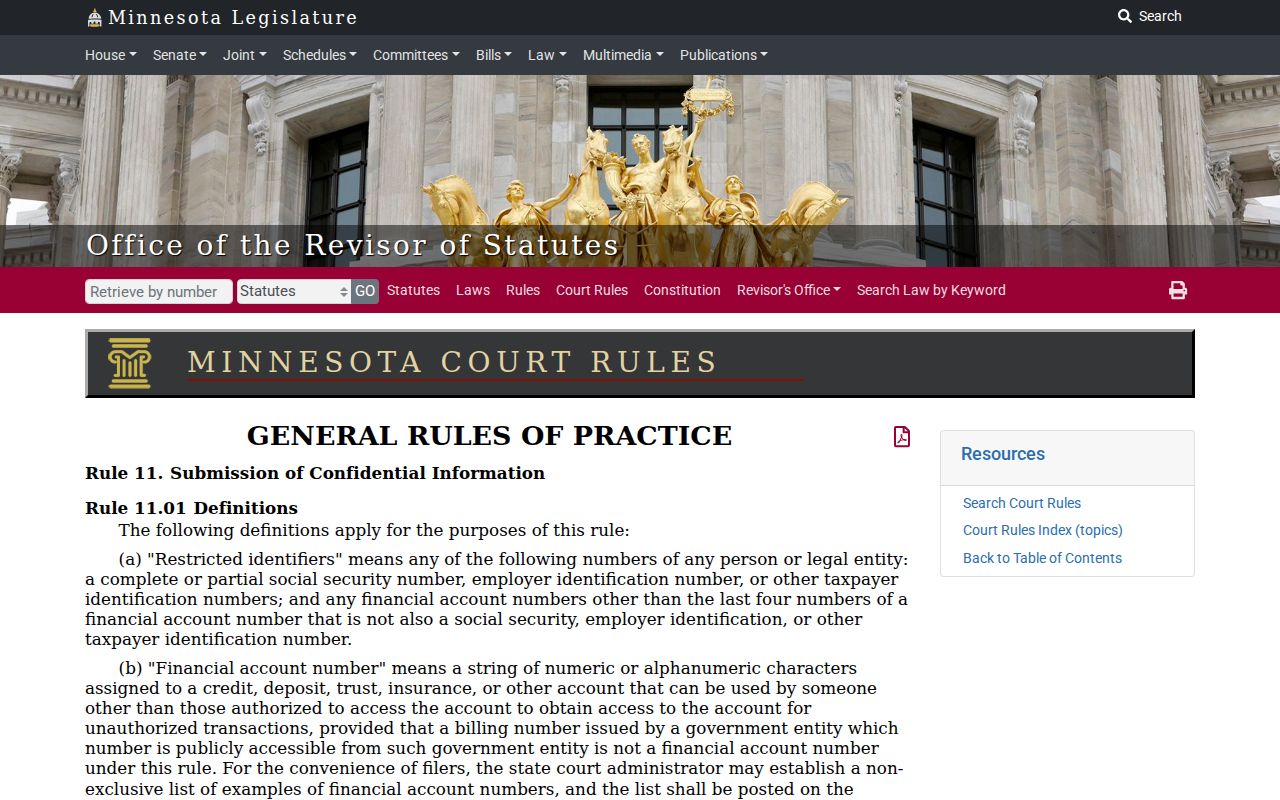
That rule explains a common puzzle. An online case view may omit address, phone, financial-account, or other protected identifier information.
Restricted Cases and Access Rules
Remote search does not treat every case the same. Minnesota Rule of Public Access 8 governs remote access to defined registers, calendars, indexes, judgments, and eligible documents. It also shields restricted identifiers, protected people, and nonpublic case types. A defendant-name search will not return a pending criminal case before conviction. For this MCRO limitation, dismissed cases and continued-for-dismissal cases count as pending. A no-hit proves nothing about whether a record exists.
Juvenile Protection Procedure Rule 8.04 addresses confidential juvenile-protection information. That information stays outside ordinary public remote case data.
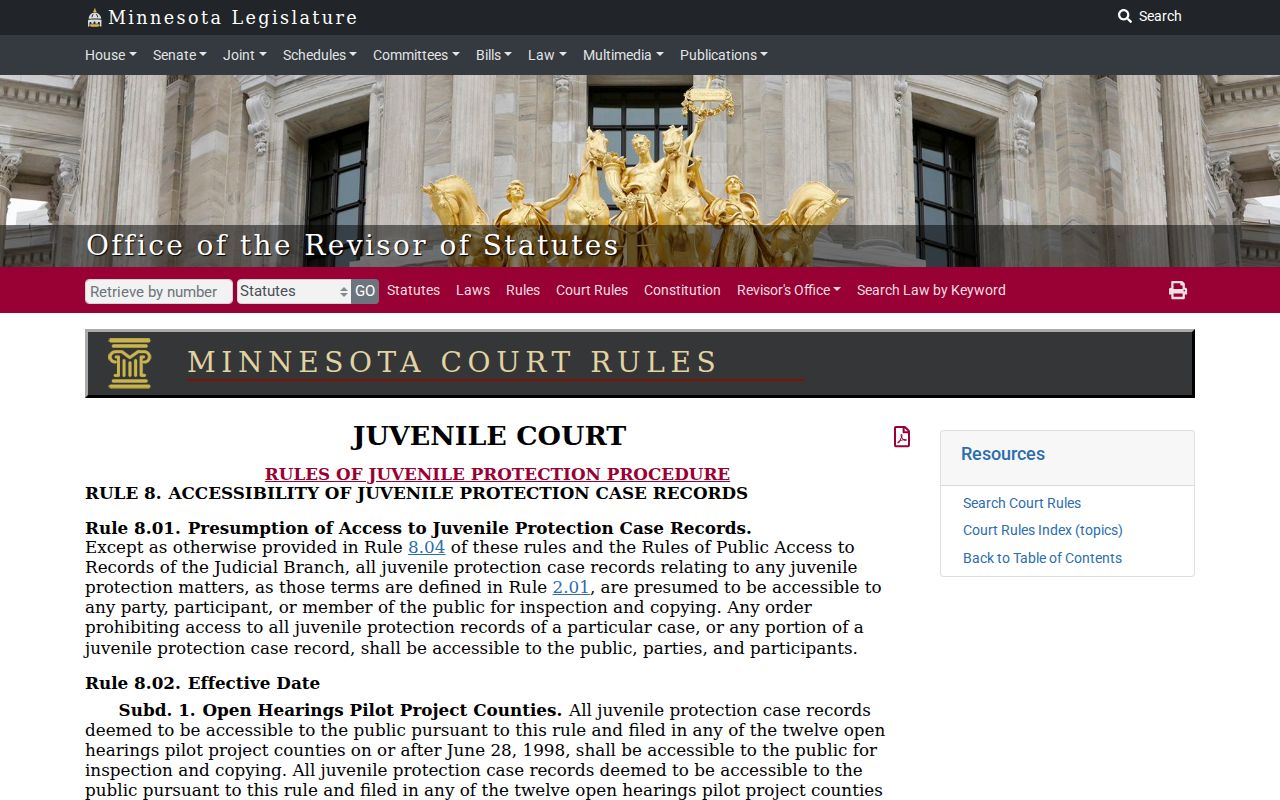
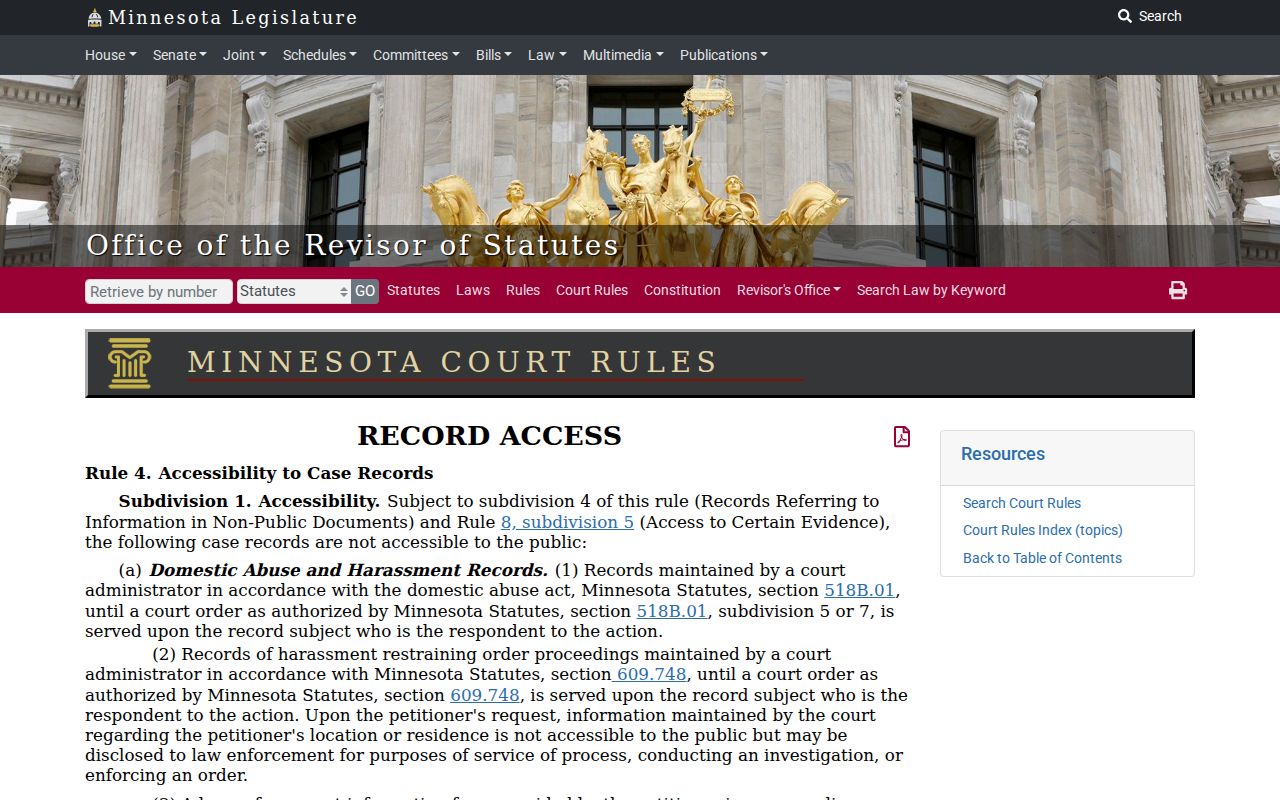
Remote availability also varies for juvenile protection and other restricted juvenile categories, civil commitments, protected party data, family party-submitted documents, and trial or hearing exhibits. Minnesota Rule 4 gives domestic-abuse records and other specified record types special confidential or nonpublic treatment.
Confidential or sealed records may require an access form, identity verification, or judicial review. Some go to judicial review. Expungement under Minnesota Statute section 609A.03 can restrict access by court order. Sealed is not destroyed.
Note: a public remote search result is only one access layer. Contact Court Administration. Or inspect MNPAC when the rules permit further inquiry.
Stearns County Case Search Boundaries
MCRO covers selected public Minnesota state-court information only. Federal cases live in a separate system and do not belong in a Stearns County state case lookup. The PACER court lookup for the District of Minnesota is the official federal route to that different docket and document system. It runs on its own account and fee workflow.
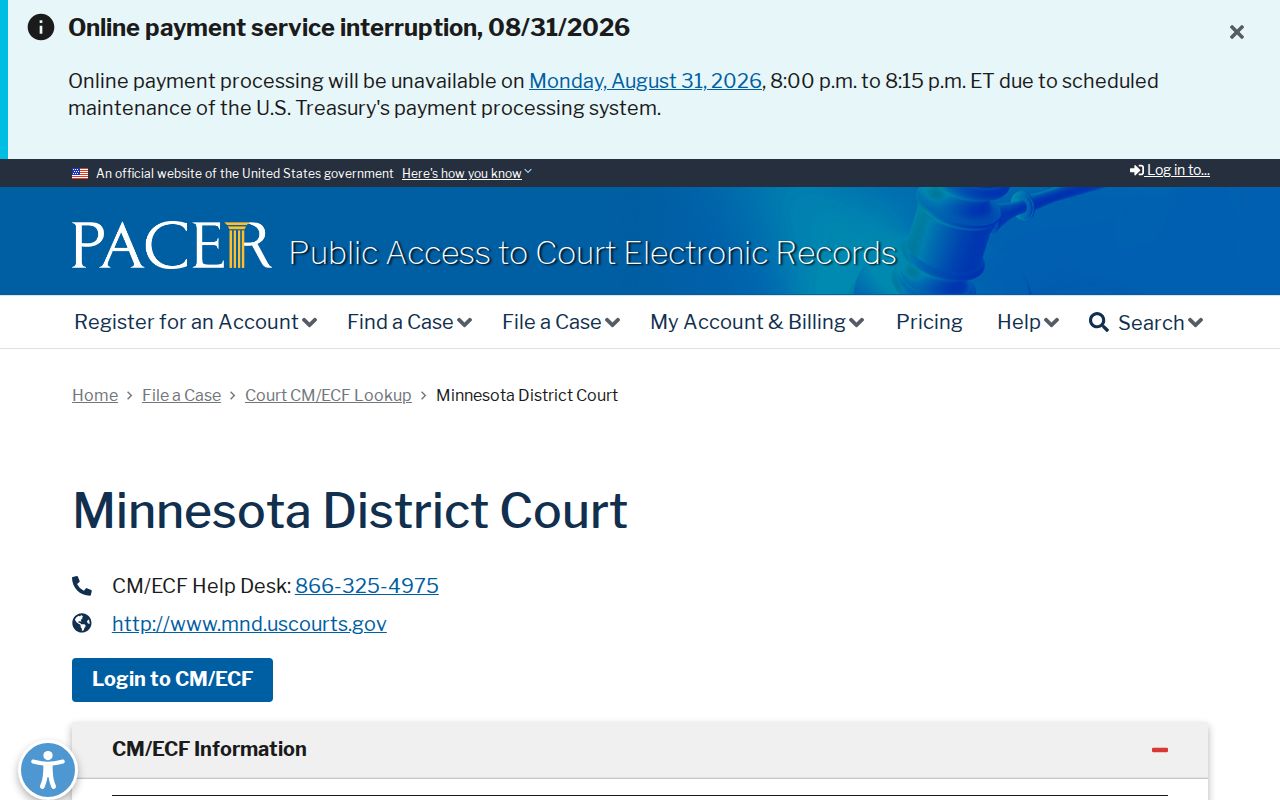
Keep the two systems straight. A federal PACER record is not an MCRO state-court result. A state case stays with the Minnesota Judicial Branch channels described above.
For a specific Minnesota case, use MCRO. Read its register of Actions. Verify a date or public-access gap through the appropriate court channel. The search terms prohibit automated extraction and copying for exploitation. Keep each search focused on the particular court matter being located.